
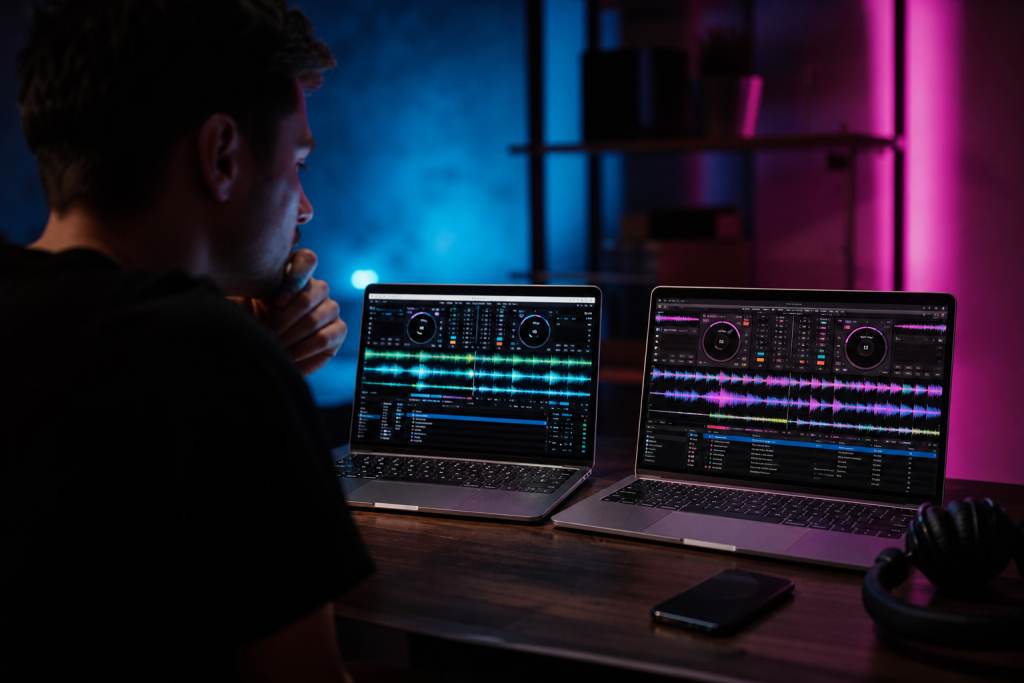
Your DJ laptop has one job: run DJ software reliably for hours, without crashing, lagging, or running out of storage mid-gig. You do not need a gaming monster — you need the right specs and durability. Here is what actually matters, in order.
The Specs That Matter
CPU
Any modern mid-range processor (Intel Core i5 or AMD Ryzen 5, 11th generation or newer) is plenty for mixing. The exception is stems separation and video DJing, which are CPU-heavy — for those, step up to a Core i7/Ryzen 7. Do not buy below an i5: software updates and effects keep demanding more.
RAM
16 GB is the comfortable standard for DJ software plus browsers and utilities. 8 GB works for a bare setup, but browsers eat RAM fast. If you plan to run stems or video, 32 GB is future-proofing. Full detail in our RAM guide.
Storage
An SSD is non-negotiable — it affects how fast tracks load and how reliable the software is under load. 512 GB is a good minimum; your music library plus software fits comfortably. Keep your DJ library on the internal drive and use an external drive for backups.
The Features Beginners Overlook
- Ports: at least one USB-A (controllers are still mostly USB-A) and USB-C. A laptop with only USB-C ports means dongles at every gig.
- Screen: 15-inch is the sweet spot for seeing the software clearly. Touchscreens are a nice-to-have, not a requirement.
- Battery: less critical for club use (you plug in), but a solid battery saves you at events without guaranteed power.
- Build: a metal chassis survives the bag-to-stage life better than plastic.
Mac vs. Windows
Both work. Macs are common in the booth, have low latency audio out of the box, and hold resale value. Windows machines give you more performance per dollar and more port options, which matters if you use older controllers. Choose based on the software you use (Serato and Rekordbox run great on both) and your budget.
What to Avoid
- Bargain-basement CPUs — an old i3 struggles with stems and modern effects.
- eMMC storage — slow and fragile; always an SSD.
- 4 GB of RAM — unusable for DJ software today.
- Gaming laptops — the GPU is wasted money, and the battery life hurts.
Protect the Investment
A DJ laptop takes more abuse than an office laptop: backpacks, stages, drinks nearby. A case for transport and a custom laptop skin for scratch protection extend its life — and our guide on what to do if your laptop is stolen is worth reading before it happens.
The Bottom Line
Buy an i5/i7-class laptop with 16 GB RAM, an SSD, USB-A ports, and a sturdy build — then spend the saved money on the controller and headphones that actually touch your craft.