
For most DJs, the answer is 16 GB — and the only people who genuinely need more are running stems separation, video, or large production software alongside their DJ app. Here is the breakdown, and how to decide for your setup.
What DJ Software Actually Uses
Core DJing — loading tracks, beatmatching, effects, mixing — is light. Serato DJ Pro, Rekordbox, and VirtualDJ run comfortably in 4–6 GB of memory by themselves. The RAM pressure comes from everything else open at the same time: a browser with your streaming library, a video feed, background apps. That is where 8 GB starts to feel tight and 16 GB feels effortless.
The Realistic Minimums
- 8 GB: works for a clean, bare setup — software and nothing else. Fine for beginners; frustrating once you open a browser.
- 16 GB: the standard recommendation. DJ software plus browser, streaming, and utilities without thought. This is what we recommend in our laptop buying guide.
- 32 GB: only if you run stems separation, video mixing, or production software (Ableton, FL Studio) on the same machine.
Who Actually Needs 32 GB
Three groups:
- Stems users: real-time stems separation (splitting tracks into vocals, drums, bass) is memory-hungry.
- Video DJs: running Serato Video or Resolume alongside a DJ app.
- Producer-DJs: making music on the same laptop you perform on.
If you are not in one of those groups, 32 GB is money spent on nothing you will feel.
RAM Is Not the Bottleneck
In practice, the biggest DJ laptop bottleneck is almost never RAM — it is CPU during stems analysis and storage speed when loading libraries. A 16 GB laptop with a fast SSD will outperform a 32 GB laptop with a slow drive. If you are choosing between upgrades, spend on the SSD first.
Can You Upgrade Later?
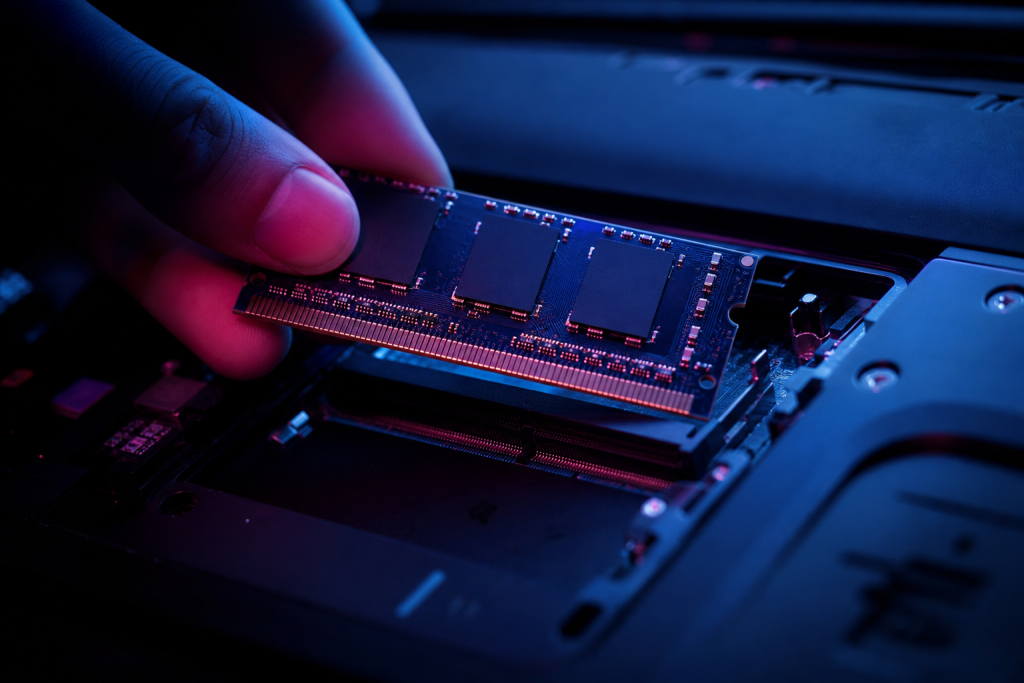
Some laptops have upgradeable RAM (typically 15-inch models with SODIMM slots); many modern ultrabooks solder it in place. If you buy a soldered machine, buy the RAM you will need in three years, not the RAM you need today — 16 GB is that safe choice.
How to Check Your Current Usage
Open your DJ software, your browser, and a streaming library, then look at memory usage in Task Manager (Windows) or Activity Monitor (macOS). If you are consistently above 80% of your physical RAM, that is your answer — and it is the same check that will tell you whether 32 GB is ever worth it for your workflow.
Whatever your laptop’s specs, keeping it safe on the road matters. Stickerlight’s custom laptop skins protect the finish that takes the abuse.