
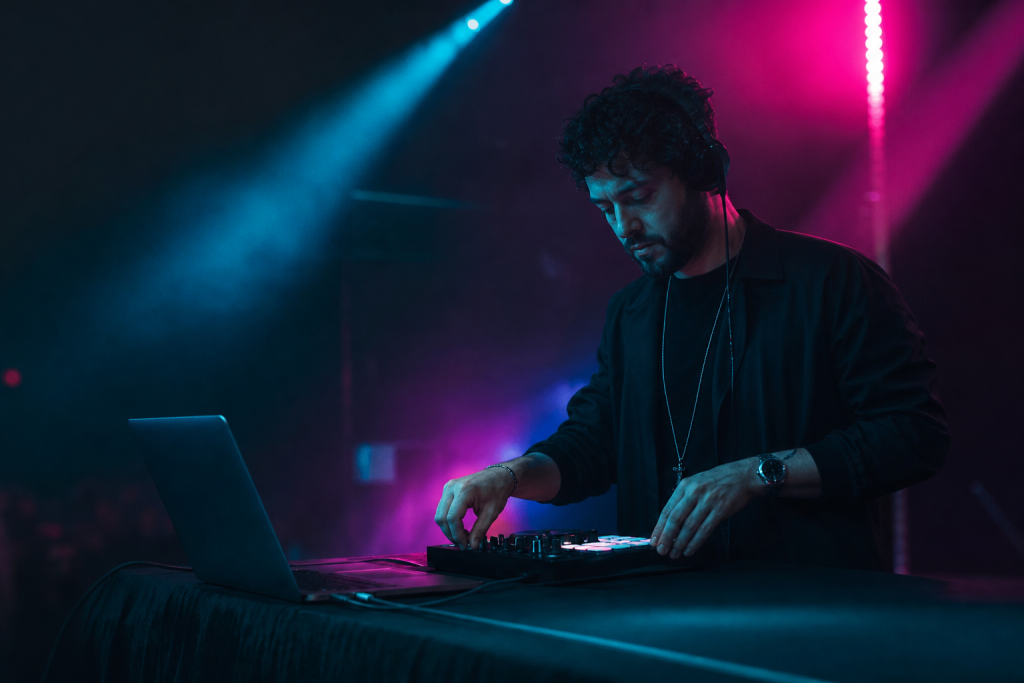
Yes — you can DJ completely without a laptop, and a significant part of the professional world does exactly that. The answer depends on what you mean by “without a laptop”: standalone players, or software running without a computer? Both are possible; they are very different setups.
Option 1: Standalone Players (No Laptop at All)
CDJ-style players — like the Pioneer XDJ/CDJ range or Denon SC players — read music from a USB stick and play it directly. You prepare your library on a computer at home, export it to the USB stick, and the players themselves handle playback, looping, and effects. The mixer stays the same. This is the club standard: no laptop on stage, no software to crash.
Pros: reliable, the standard club layout, professional look. Cons: expensive — a pair of players plus a mixer costs several times a controller setup, and preparing music on the players’ screens takes getting used to.
Option 2: Software Without a Computer (Laptop-Less Controllers)
Some controllers and all-in-one systems run DJ software internally — the controller is the computer. The Denon Prime series and the Pioneer XDJ-RX/RZ line work this way: they play from USB without any laptop. Same benefit as option 1 (no laptop on stage), same preparation workflow at home.
Option 3: The Hybrid Most DJs Use
Most working DJs actually use a laptop with a controller — the setup covered in our equipment guide. It is the cheapest way to get every feature, and the laptop is also where you manage playlists and crates. The “no laptop” setups above trade that convenience for reliability and stage look.
What Loses When You Drop the Laptop
- Streaming: cloud libraries and streaming services need a computer (or a player with Wi-Fi and a subscription).
- Effects and features: software-only effects, stems separation, and advanced tools are richer on a laptop.
- Flexibility: on standalone players, every feature must be prepared in advance on a computer anyway.
What You Gain
No laptop on stage means nothing to crash, nothing to steal, nothing to set up — and for club slots, it matches what the venue expects. If you want the laptop’s features with a cleaner stage look, the middle ground is a laptop with the screen closed or a custom laptop skin that makes the machine part of your look instead of a gray box.
Which Should You Choose?
- Learning: start with a laptop and controller — cheapest and most forgiving.
- Club goals: practice on standalone players early; the layout is the industry standard.
- Gig reliability: use standalone players or prepare a USB backup for every laptop set.
Whichever you choose, the skills are the same — the craft of mixing transfers between every format.