
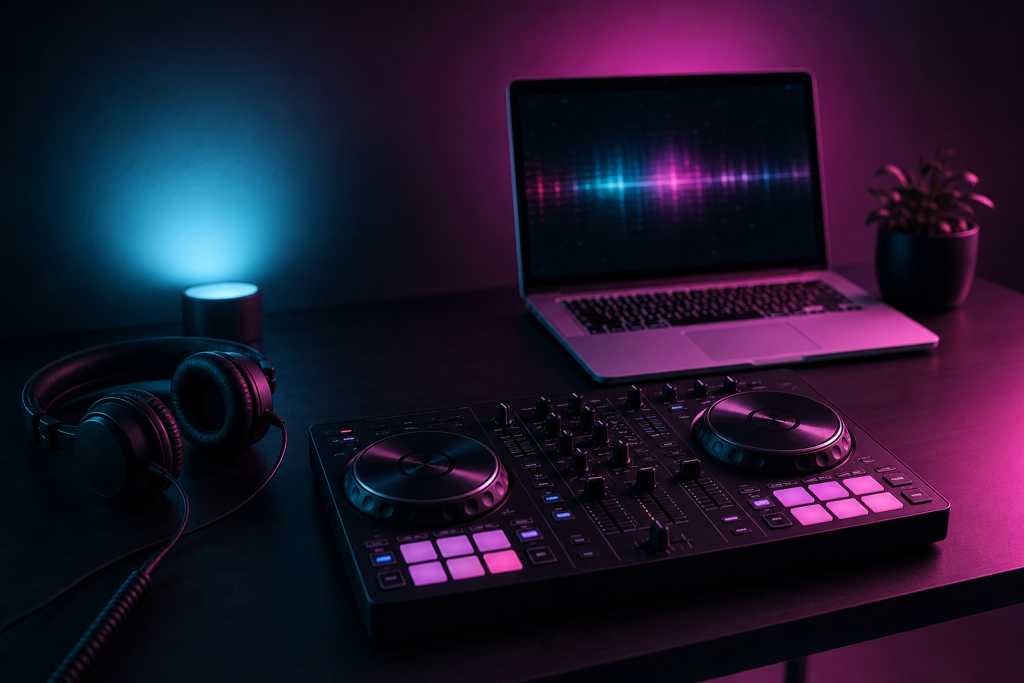
You can start DJing well for under $500, and you can play your first paid gig with a setup that fits in a backpack. The secret is knowing where money matters and where it does not.
What You Actually Need to Start
- A laptop — the one you already own is fine for learning. Specs that matter are covered in our laptop buying guide, but any reasonably modern laptop runs DJ software.
- DJ software — many controllers bundle a full version (Serato Lite or Rekordbox) for free. Learn everything on the free tier before paying.
- A controller — this is the one piece worth spending on. A used entry-level 2-channel controller does everything a beginner needs.
- Headphones — closed-back, over-ear, wired. You need them for cueing; the in-ear buds you own are not reliable enough.
Where to Spend vs. Where to Save
| Spend on | Save on |
| The controller (your main instrument) | Speakers — mix in headphones first |
| Headphones (they must survive gigs) | Premium cables — a $10 replacement works |
| Practice time | Expensive software upgrades until you earn from DJing |
Buy Used for Everything Except Cables
Controllers are built to be thrashed, and the used market is full of lightly used units from people who quit. Buy a used controller from a seller with photos and a return option. The same goes for headphones and even laptops — a previous-generation business laptop with an SSD is a great DJ machine. The one thing to always buy new is cables and power adapters.
The $300 Starter Setup
A realistic tight-budget setup: a used 2-channel controller (~$150–200), used closed-back headphones (~$50), and the free software tier that came with the controller. That is a complete practice rig. When you book your first paid gig, reinvest part of the fee in the next upgrade — our equipment guide explains what each upgrade actually gives you.
Free (or Nearly Free) Learning Resources
Everything you need to learn is free: the tutorials and communities in our online resources guide, your controller’s manual, and your own recordings. Spend money on skills, not gear, for the first six months.
The Budget Trap to Avoid
Do not buy the cheapest version of everything to save $100. A $250 used controller you practice on daily beats a $99 controller you replace in a month. And remember: gig income — not savings — is what funds a real setup. The goal of the budget phase is to get you to playing for people, where the upgrade money comes from.
Even a budget setup deserves to look like yours. A custom laptop skin is one of the cheapest upgrades that changes how your rig looks on stage.