
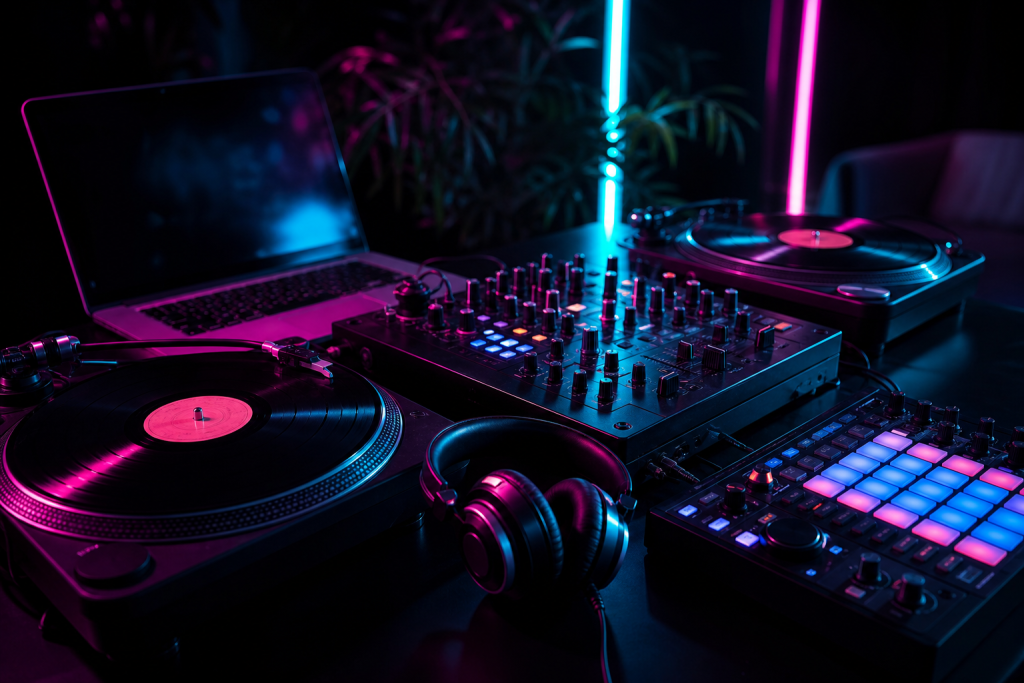
“DJ equipment” covers four very different setups: controllers, CDJ-style players, turntables, and the mixer-plus-software combinations most beginners start with. This guide breaks down what each does, what it costs roughly, and which one fits you.
The Four Main Types of DJ Equipment
1. DJ controllers
A controller combines a two- or four-channel mixer, jog wheels, and transport controls in one box that drives DJ software on your laptop. The Pioneer DDJ series and similar units are the standard beginner and mobile-DJ choice because they are compact, affordable, and easy to map. If you are just starting, this is almost always the right category — our guide on starting on a budget covers the specifics.
2. CDJ / multi-player units
Standalone players (Pioneer CDJ/XDJ, Denon SC series) read USB sticks and are the club standard. They remove the laptop from the equation on stage and are the closest thing to a “same setup everywhere” experience. The cost is the trade-off — a pair of players plus a mixer runs several times the price of a controller.
3. Turntables
Vinyl or timecode turntables give you hands-on control of the record itself. Scratching and beat juggling are only possible here. Turntablists love them; club installs increasingly don’t have them, so many DJs practice on vinyl and perform on controllers or players.
4. Mixers
The mixer is the one piece every setup shares. It handles EQ, levels, effects, and the crossfader. Whether you buy an all-in-one controller or separate components, the mixer is where your mixing skill shows.
What Software Do You Need?
Controllers and timecode setups need software on a laptop: Serato DJ, Rekordbox, VirtualDJ, or Traktor. If you want to DJ without a laptop, CDJ-style players are the route — but software remains the cheapest way to learn every core skill.
What to Buy First
- Beginners: a used or entry-level 2-channel controller plus software. Nothing else needed to start mixing.
- Mobile DJs: a 2- or 4-channel controller with good build quality, plus backup cables and a laptop that can handle the workload.
- Club-focused DJs: learn on CDJ-style players from the start so the club layout feels familiar.
- Scratchers: turntables, a battle mixer, and timecode vinyl.
Rent Before You Buy Anything Expensive
Almost every city has rental shops or studios. Spend a few hours on each format before committing thousands of dollars — the format you enjoy practicing is the one you will actually get good at.
Whatever your setup, keep your gear protected and looking sharp on stage with custom laptop skins from Stickerlight.