
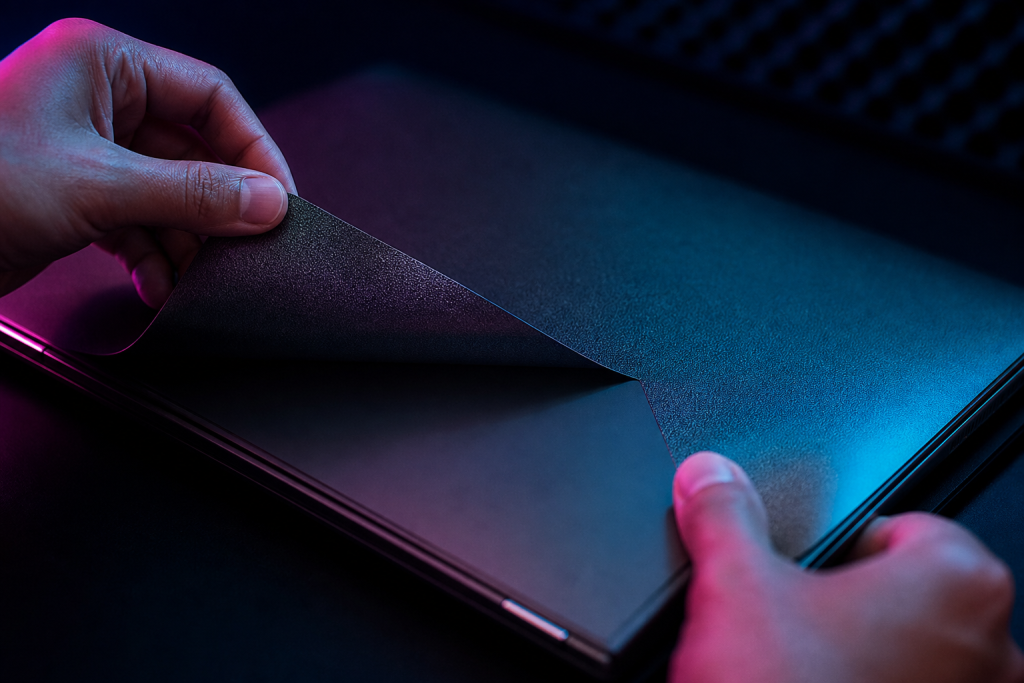
Yes — a quality laptop skin comes off cleanly, usually without residue and without damaging the laptop’s finish. Removal takes two minutes if you do it right. This guide covers the safe process and what to expect from different skin qualities.
The Short Version
- Warm the skin gently with a hairdryer (low heat) for 20–30 seconds.
- Peel slowly from a corner at a low angle — almost parallel to the surface.
- If adhesive remains, roll it off with your fingertip or a soft eraser; finish with a microfiber cloth.
Why Heat Helps
Vinyl adhesive softens when warm, which is exactly what you want: the skin releases without stretching and the adhesive comes away cleanly. Never use high heat or a heat gun on one spot — you can damage the laptop’s plastic. A hairdryer on low, kept moving, is plenty.
Peel Slowly, at a Low Angle
The classic mistake is ripping the skin off fast and perpendicular to the surface. That stretches the vinyl and can leave adhesive or, worse, pull at weak finishes. Pull slowly from a corner, keeping the peel angle low, and the skin comes off in one piece. If the skin tears, lift the next corner and continue — the remaining pieces come off the same way.
What to Do About Residue
Quality skins leave little to none. If there is residue:
- Roll it off with your fingertip (it balls up as it rolls)
- Use a soft eraser for stubborn spots
- Clean the surface with a lightly damp microfiber cloth
Avoid solvents and alcohol wipes on matte finishes — they can leave marks. Stickerlight skins use a removable adhesive that is specifically designed to come off residue-free, which is part of why they are a popular choice for custom laptop skins.
Can You Reuse a Skin After Removing It?
Usually not. The adhesive deforms during removal and the vinyl stretches slightly, so a removed skin rarely sits flat again. Treat a skin as a single-use product, like a screen protector. If you want to change designs, that is a normal reason to remove — our guide to custom skins explains the options.
When Removal Is Riskier
Three situations deserve extra care:
- Old or cheap skins: adhesive can harden and become brittle. Heat and patience fix most cases.
- Already damaged finishes: if the laptop’s coating is peeling, the skin can pull it up. Slow, low-angle peeling minimizes this.
- Skin applied over a screen area: only the lid, not the display itself — never peel anything off an actual screen.
Is a Removable Skin Worth It?
Yes, for most people: the ability to remove it cleanly is what makes skins safe for the laptop and for resale value. The safety details are covered in our laptop skin safety guide.