
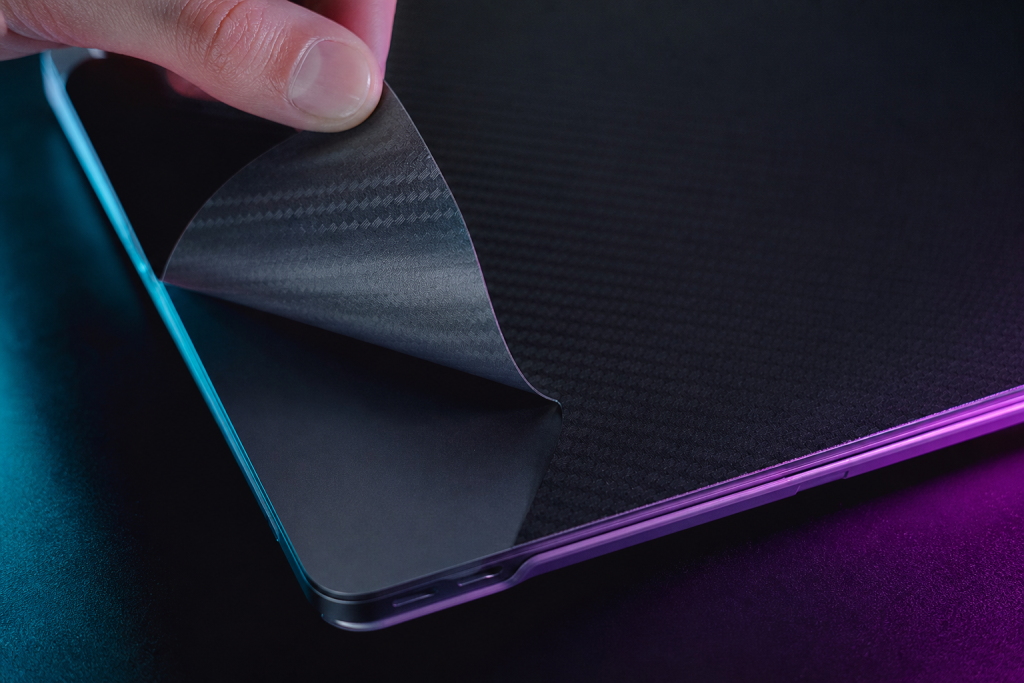
The short answer: yes, quality laptop skins are safe for your laptop. They are designed to be non-damaging, removable, and thin enough not to affect heat or the lid closing. But safety depends on the quality of the skin and how it is applied. Here is the detail.
Does a Skin Trap Heat?
Laptop cooling happens almost entirely through vents and the internal fan — not through the outer panels. A vinyl skin is a fraction of a millimeter thick and does not meaningfully insulate the case. The one thing to check: the skin must leave the vents open. Reputable shops cut exact vent openings for each model; a “universal” skin that covers vents is the real risk. Model-specific skins, like the ones Stickerlight prints for custom laptop skins, are cut around every vent.
Will It Damage the Surface Finish?
Quality skins use a removable adhesive that bonds firmly but releases cleanly without residue — which is why they are popular on rented and leased laptops. Cheap adhesive can leave marks or pull finish, which is why the removal process matters; our guide to removing laptop skins shows the safe way. On standard matte or glossy finishes, a properly applied quality skin leaves the surface untouched.
What About the Lid Closing and Hinges?
Skins are thin enough that the lid closes normally and hinges are unaffected. The only caution is the palm-rest area: make sure the skin does not overhang the edges, where it could catch on the lid when closing.
Is It Safe for Daily Carry?
Skins add a thin scratch layer to the top and bottom panels — the surfaces that hit backpacks, desks, and stages. That is the point: the skin takes the damage instead of your laptop. It also slightly improves grip. For DJs carrying laptops to gigs, that protection is the main benefit.
When a Skin Is Not Safe
- If it covers vents or ports (universal skins, bad cutouts)
- If the adhesive is permanent-grade (hard to remove, residue risk)
- If you apply it to a damaged surface (peeling finish can come off with the skin)
How to Apply Safely
- Clean the surface with a lint-free cloth and mild cleaner; let it dry completely.
- Align the skin from one edge and press down progressively, smoothing air out.
- Do not stretch the vinyl while applying — it can shrink back later and lift at the edges.
If you are choosing between protection options, compare with our overview of what a laptop skin is and the best-skin guide — then decide with the facts.